
loading experience
Stilo

See Stilo in action

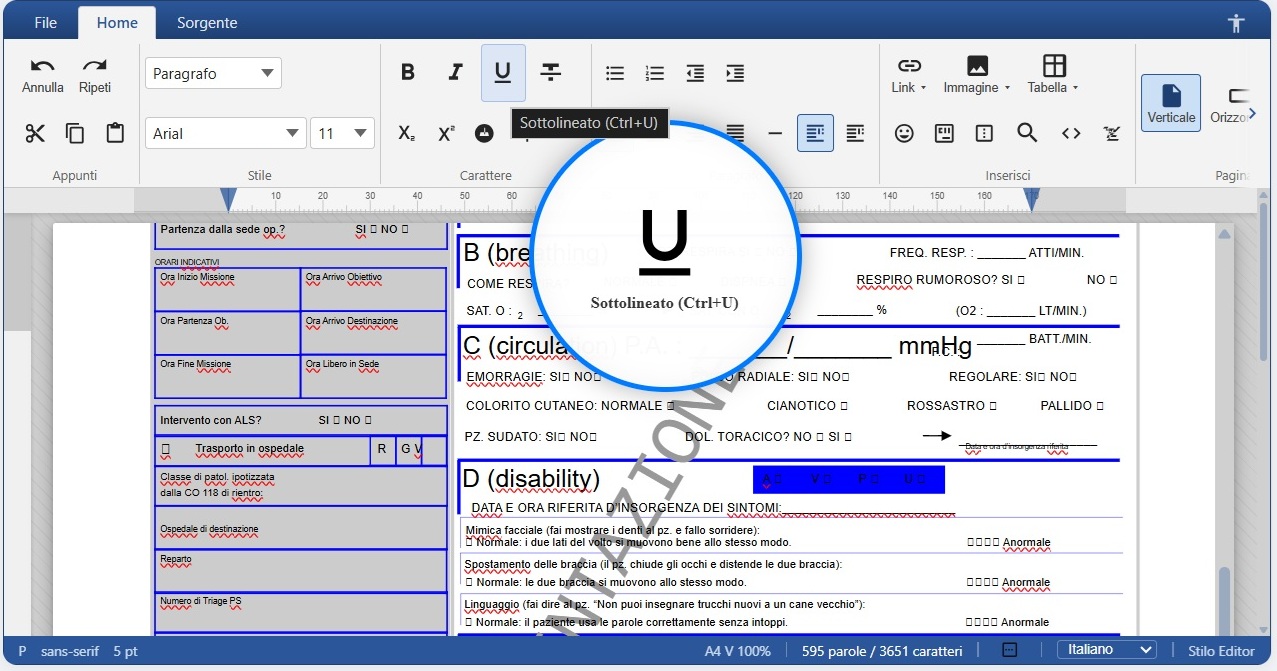
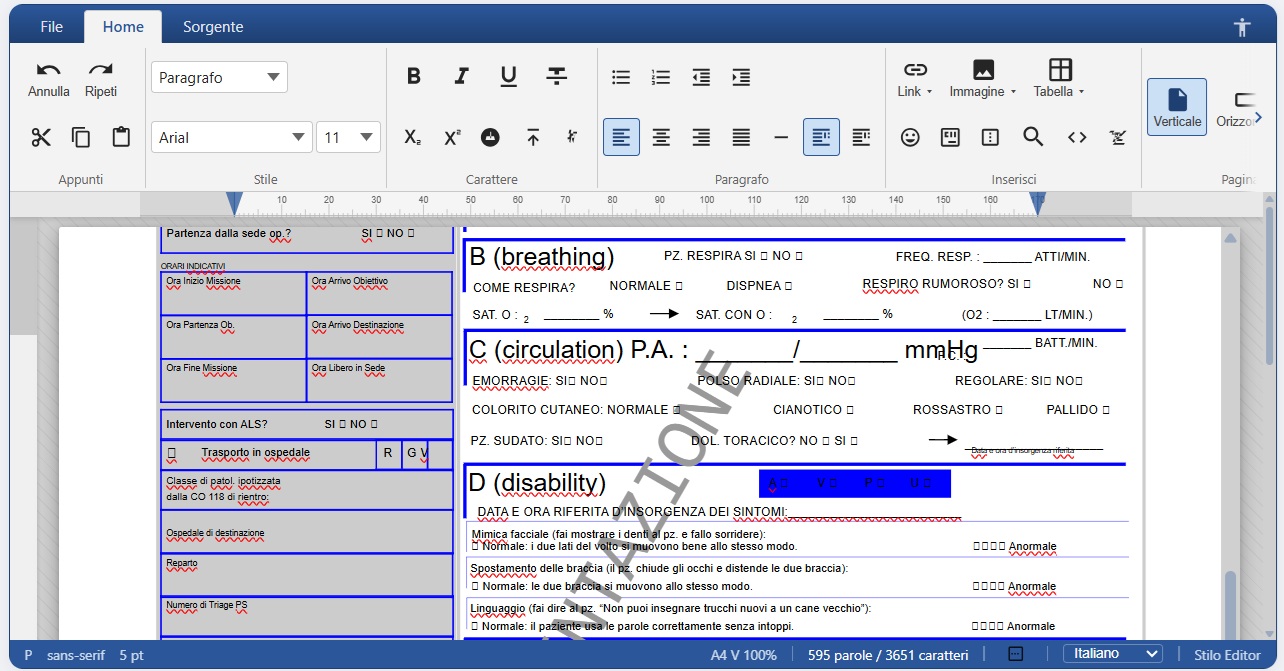
Stilo editing a complex hospital-system PDF in real time
Here's Stilo editing a complex hospital-system PDF — instantly, right in the browser.

High-tech accessibility

Stilo accessibility: multilingual TTS and interactive zoom
Built-in multilingual text-to-speech (TTS) and interactive zoom make documents accessible to everyone.
🌍

Full internationalization (i18n)

Stilo supports i18n and every language for its user interface — and offline, on-board spell checking works across all languages too, with no external service.

What Stilo can do

Office-style ribbon WYSIWYG editor
Pages mode with A4 sheets and ruler
Offline multilingual spell checker
DOCX ⇄ HTML conversion
PDF → HTML and HTML → PDF conversion
Two-way GFM Markdown mode
HTML source mode
Image and table-column resizing
Configurable autosave with callback
Minimap and word/character status bar
Bookmarks, special characters, style presets
WCAG accessibility (text language/direction)
Built-in multilingual text-to-speech (TTS)
Full internationalization (i18n), all languages
Page break and HTML embed with preview
Clean paste from Word/Excel/Google Docs
Markdown autoformat while typing
50–200% zoom and native dark theme
Restricted editing (read-only regions)
Native MudBlazor compatibility

How licensing works

👩‍💻

Developers

Every developer gets a free license with unlimited use for development. Just download it here — it has an annual validity and you renew it for free by downloading again.

🏢

Business solutions

For business solutions the license is granted for the duration of development. Going to production for commercial purposes requires prior written authorization.

🛡️

Why a license

The license only serves to monitor library usage and acts as a gate for the cases above. We store only your email, project name and description — nothing else.

Generate your free license

Fill in the form: your signed license file will download instantly. Place it as stilo.license next to your application.

By downloading you accept that the license is for development use and production commercial use requires authorization.

How to install it

  1. Download the stilo.license
  2. Copy it next to your app (output folder), or set STILO_LICENSE
  3. Done — Stilo.Documents will unlock automatically.