

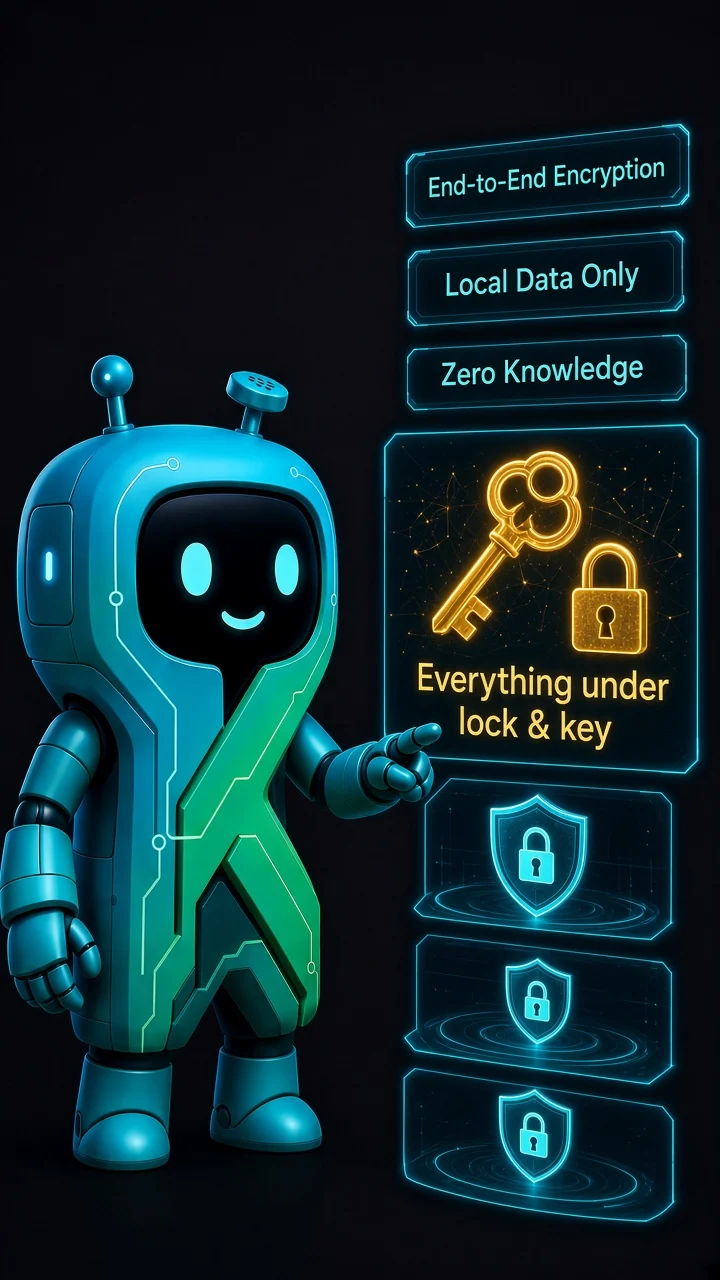
Data always encrypted
Database, conversations, credentials and mail are encrypted at rest with a key derived from your PIN.
The AI workspace that works for you.
A desktop agent that writes code, runs commands and works with Git, together with your mail, notes and documents. With your data encrypted on your computer, and more than twenty AI providers or fully offline.
Want to be told at launch? Get in touch.
Database, conversations, credentials and mail are encrypted at rest with a key derived from your PIN.
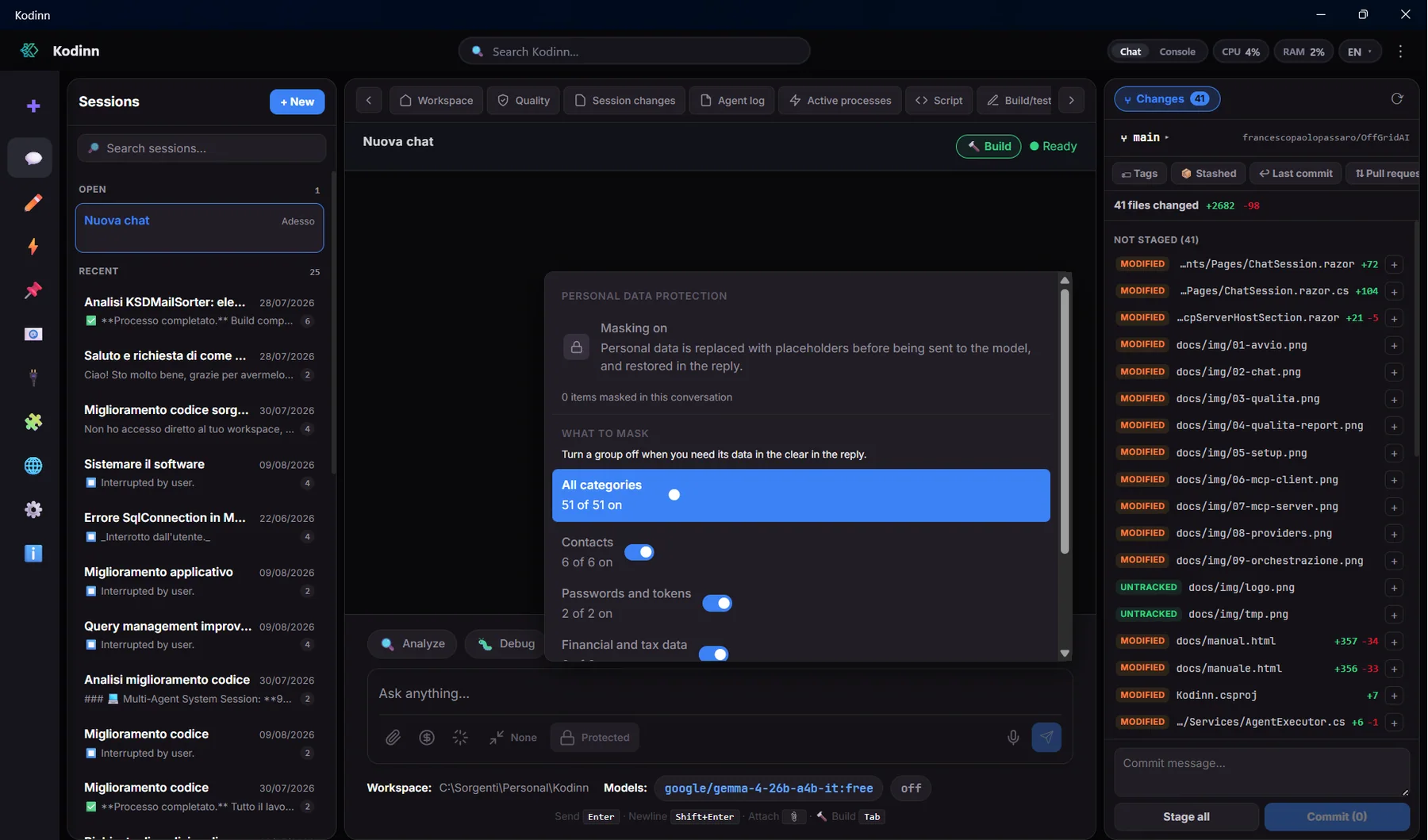
PrivacyGuard masks names, emails, IBANs, tax codes and keys before a message leaves your computer.
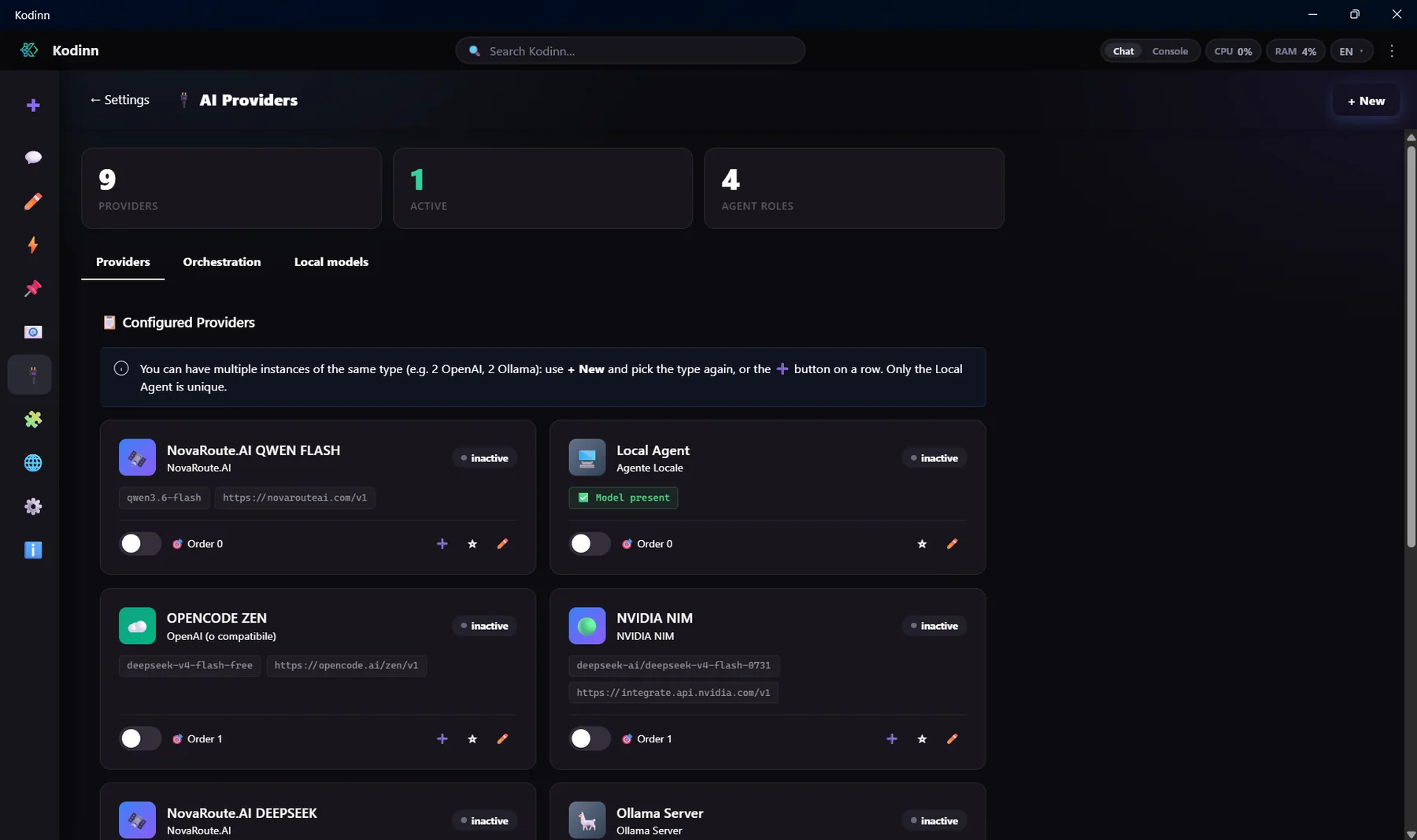
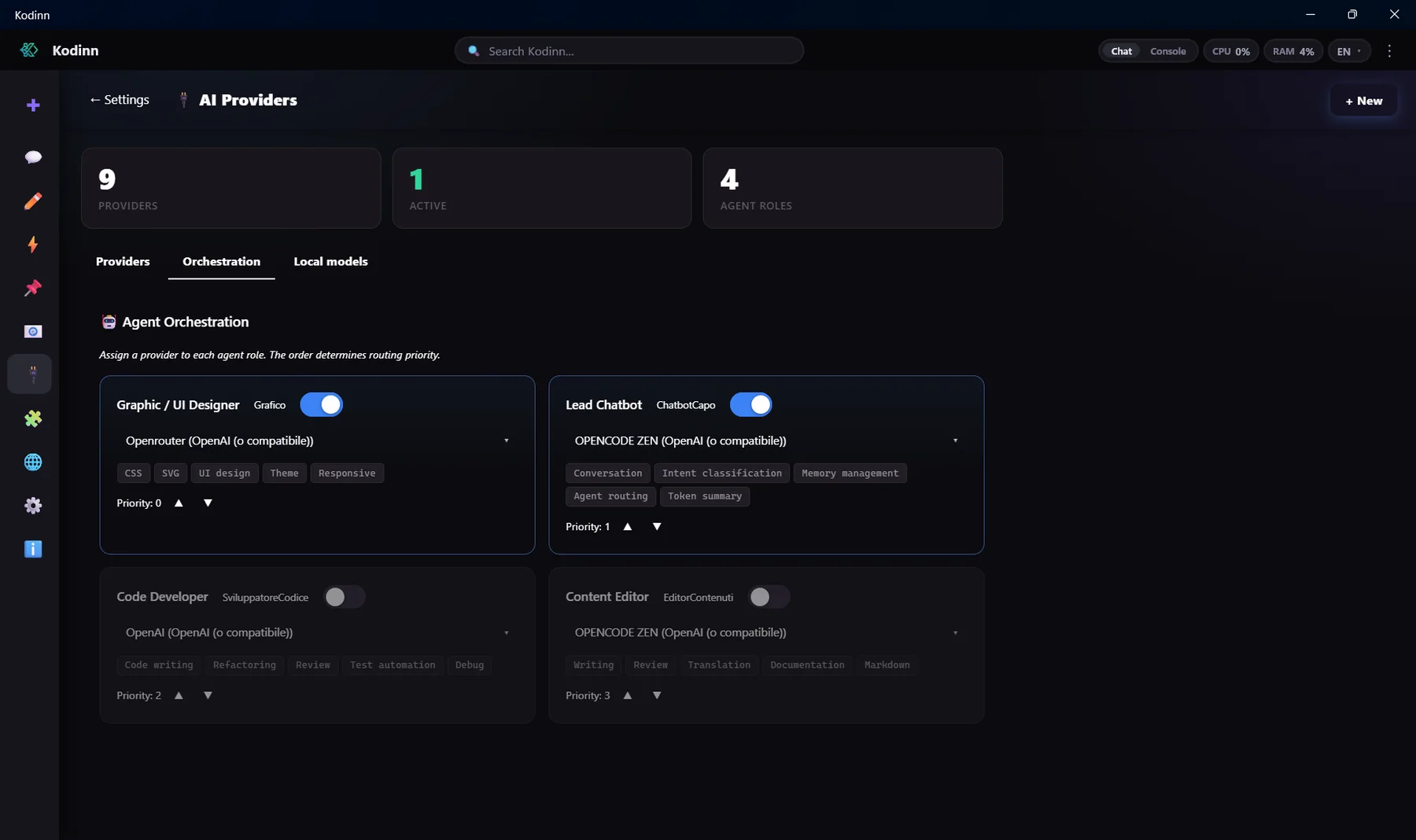
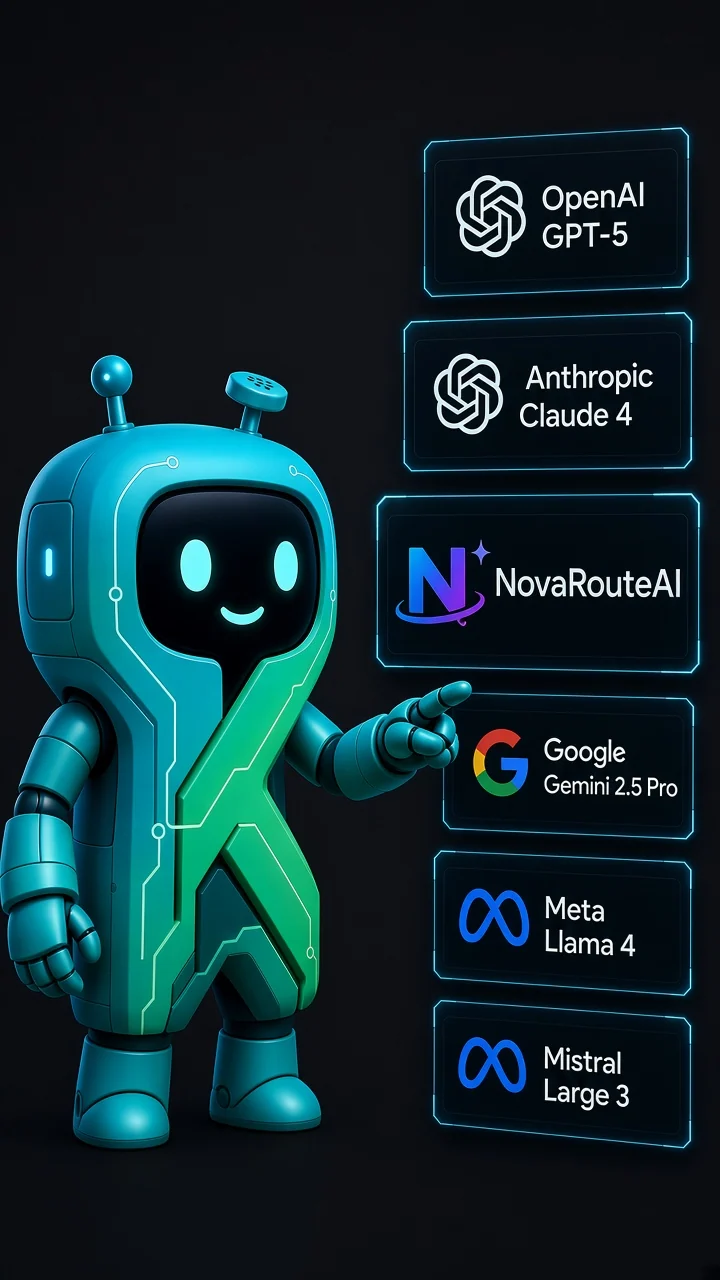
More than twenty providers, several instances, a different model per role and automatic failover. No lock-in.
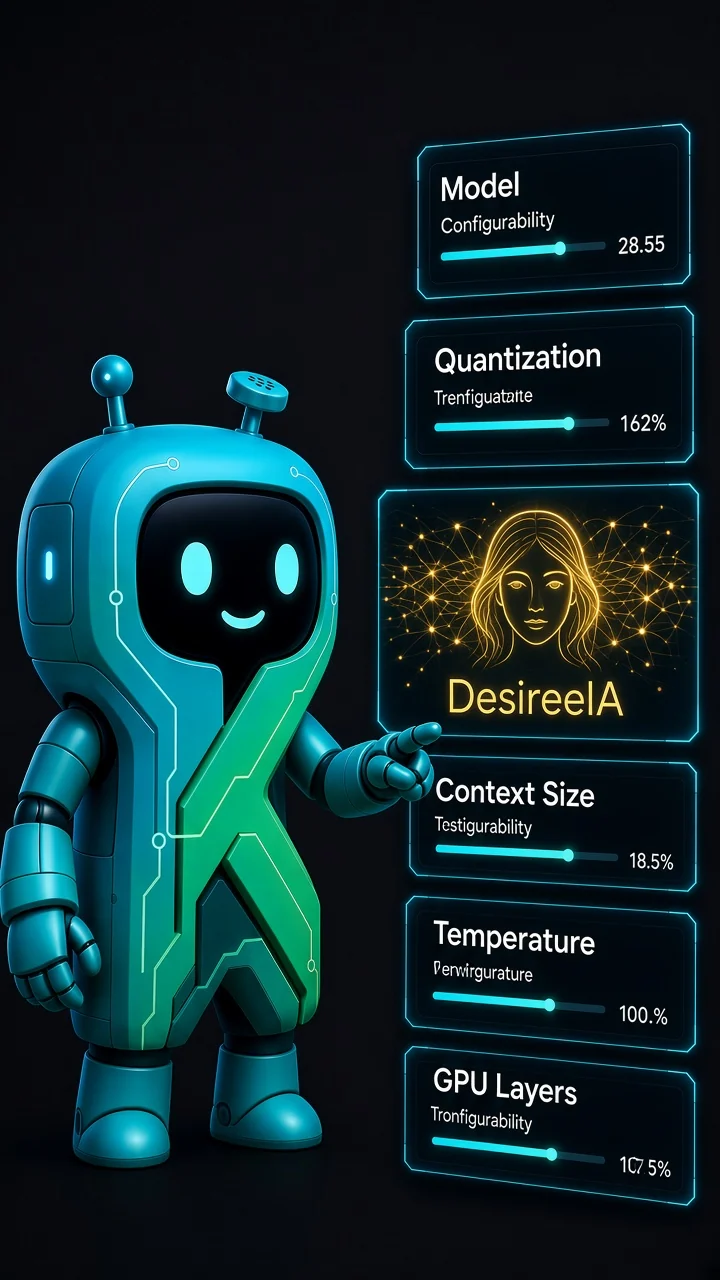
Local models run inside Kodinn on CPU or GPU through DesireeIA. No network, no account, no per-token cost.
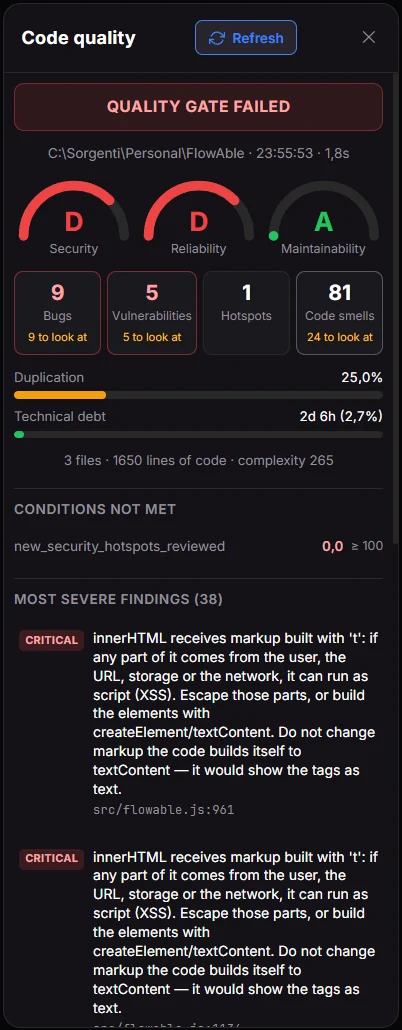
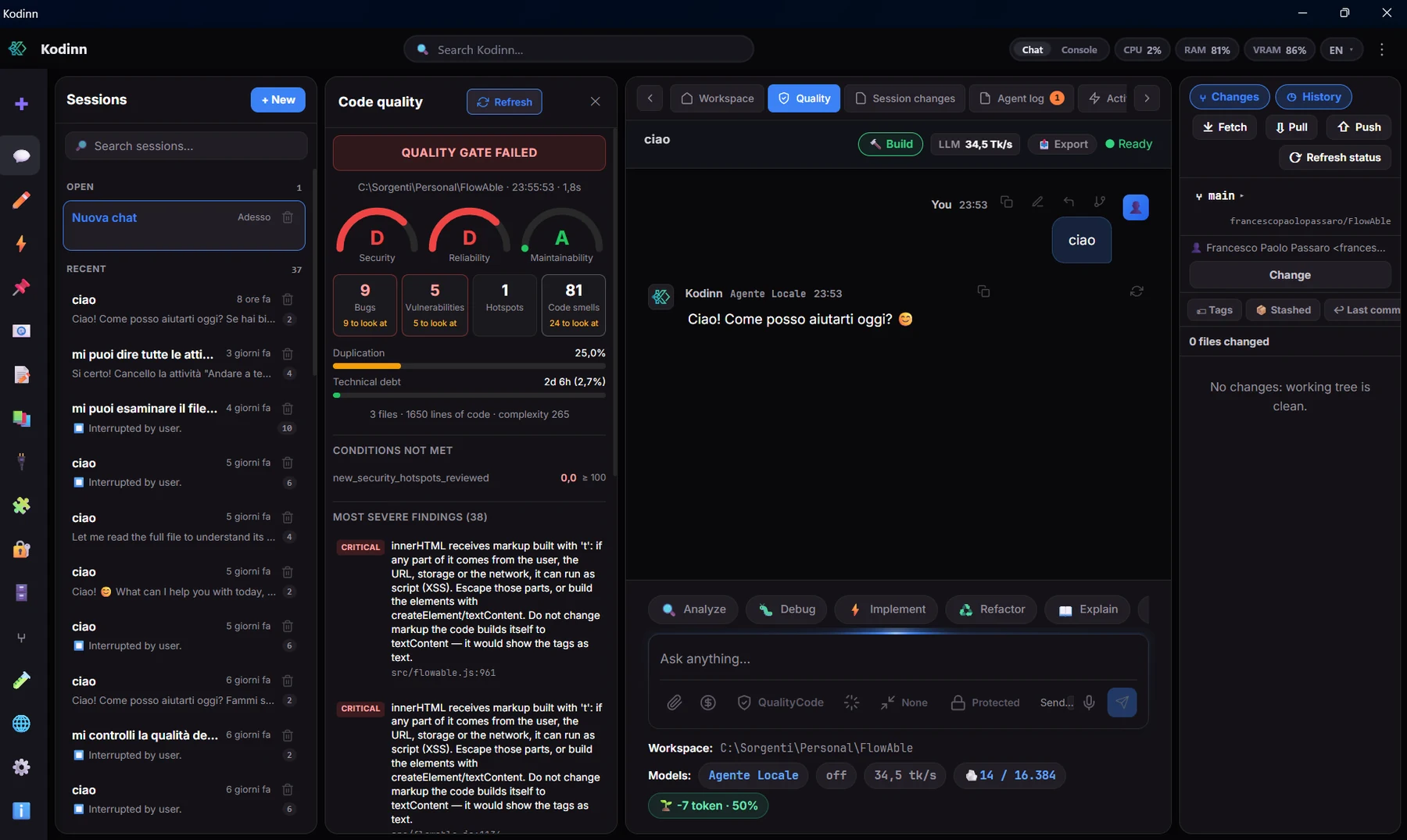
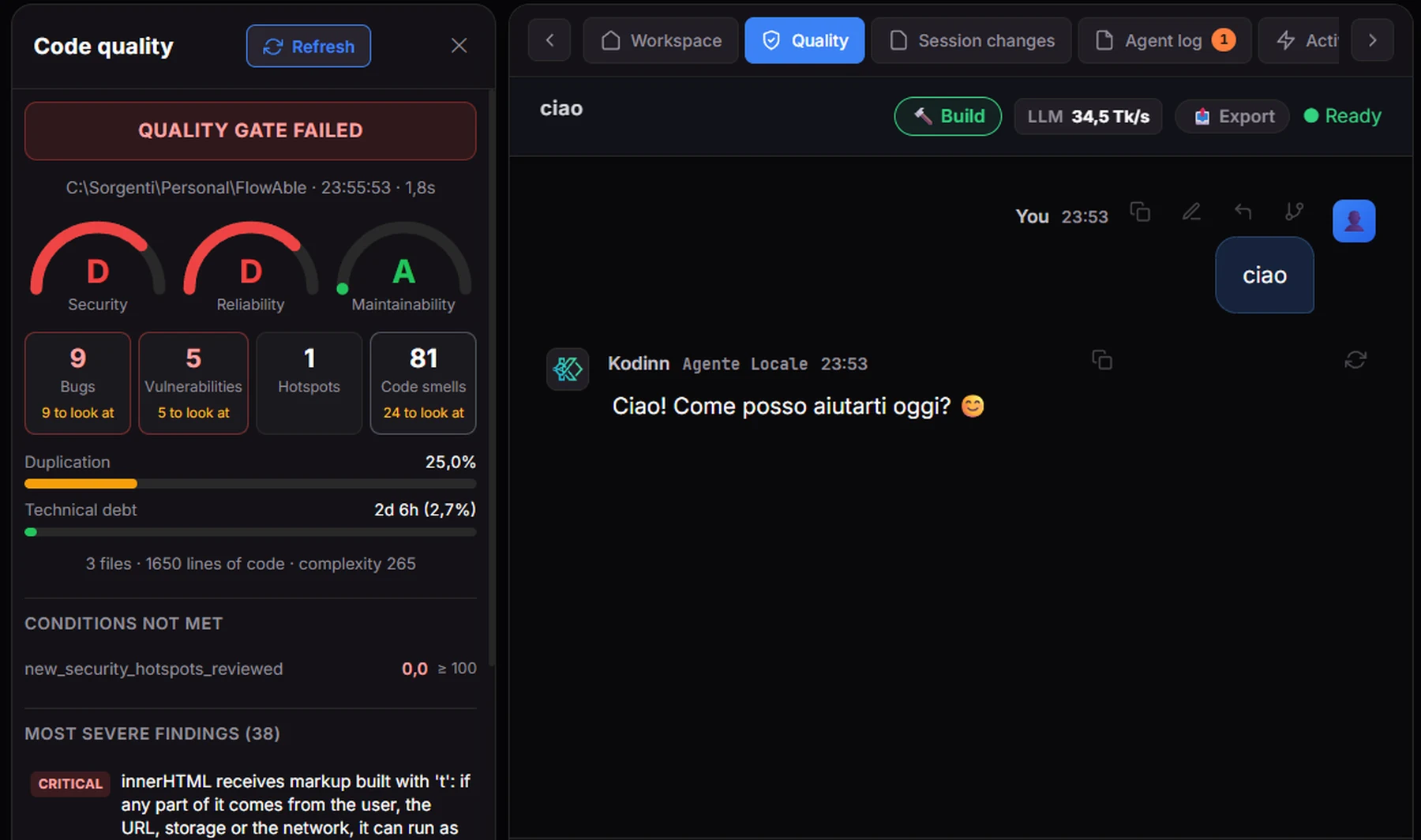
QualityGuard: static analysis across 27 languages with a Quality Gate, used by the agent on the code it writes.
Caveman compresses the conversation instead of cutting it and aligns with the provider's cache.
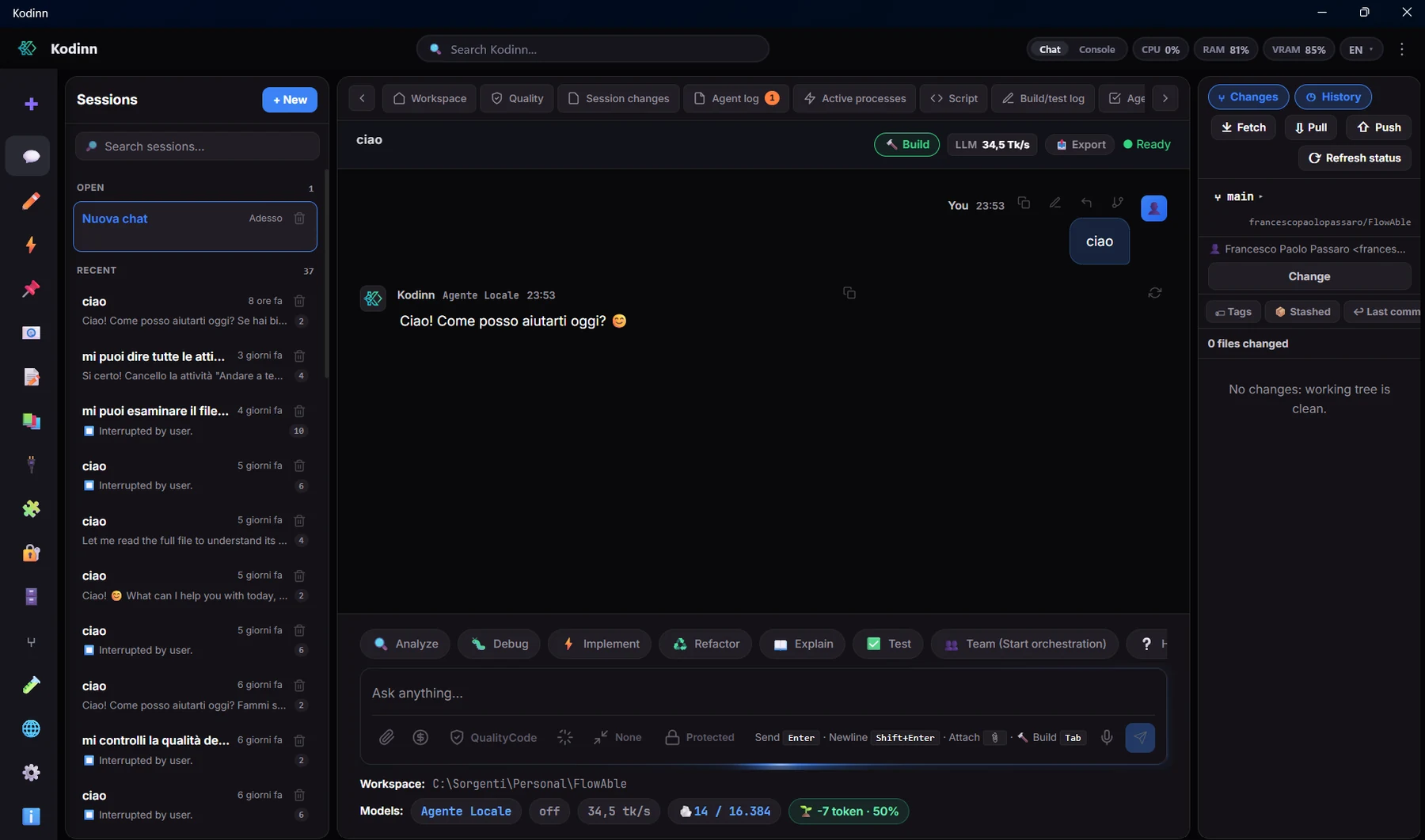
Sessions, chat, Git, diff, browser and panels side by side, in Italian, English and Chinese.
Hot-installable plugins, each with its own encrypted database and explicit consent.
An AI that writes code should also know whether that code is any good. QualityGuard analyzes the project with a real static-analysis engine and tells the agent whether the Quality Gate passes, before it hands the work back to you.
Bugs, vulnerabilities, hotspots, code smells, duplication and technical debt in a single panel, kept up to date by the agent while it works.
Not a wrapper around someone else's tools: DesireeIA is an inference engine written for the .NET ecosystem, with a native C++ core and a clean public API. It runs models on your computer, inside Kodinn's process, with no network.
CPU (AVX, AVX2, AVX-512, NEON, NUMA), GPU, NPU and available RAM.
RAM budget, threads, quantization and format picked automatically for your model and your PC; every parameter can be overridden.
A native context with a multi-tier cache, in-process, offline.
Reads GGUF and safetensors; multi-architecture dense forward with GQA, RoPE, RMSNorm and gated FFN.
Experts streamed from disk with an LRU cache, a learned hot set that keeps the most used experts, next-layer prefetch and dual-SSD mirror.
Long contexts with less memory, thanks to key-value cache compression.
C++17 core with a stable C ABI and a .NET wrapper: native performance, clean integration into the app.
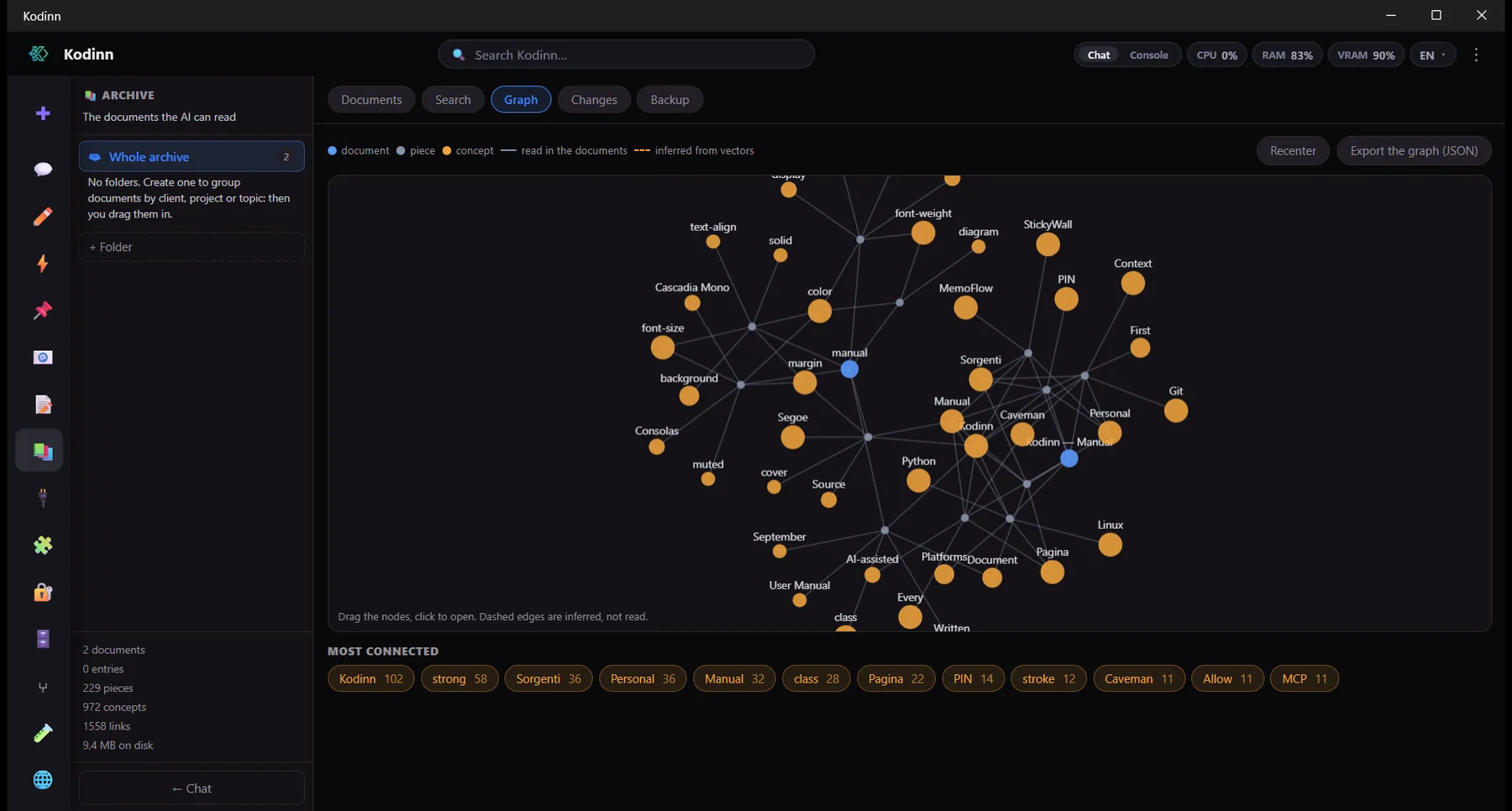
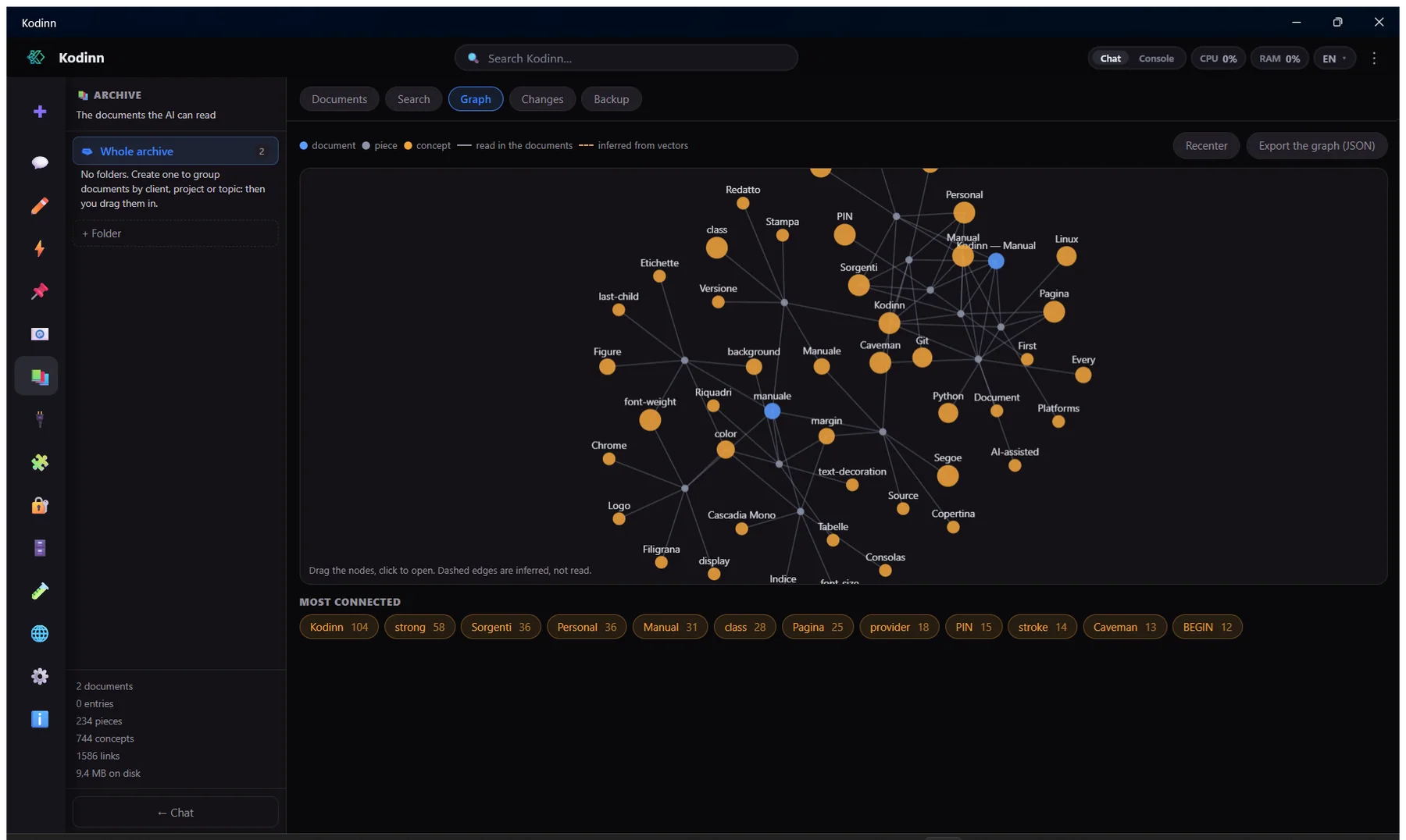
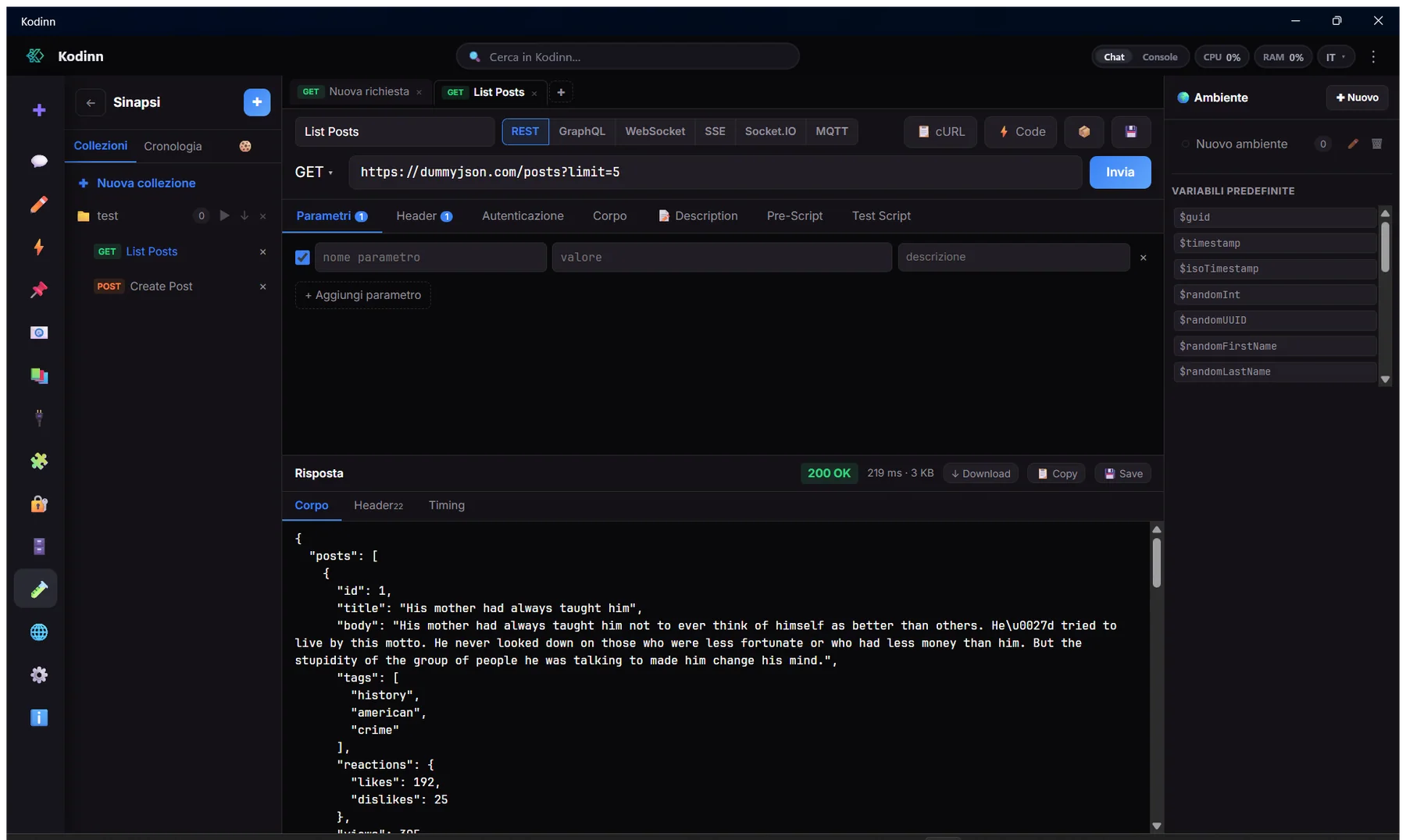
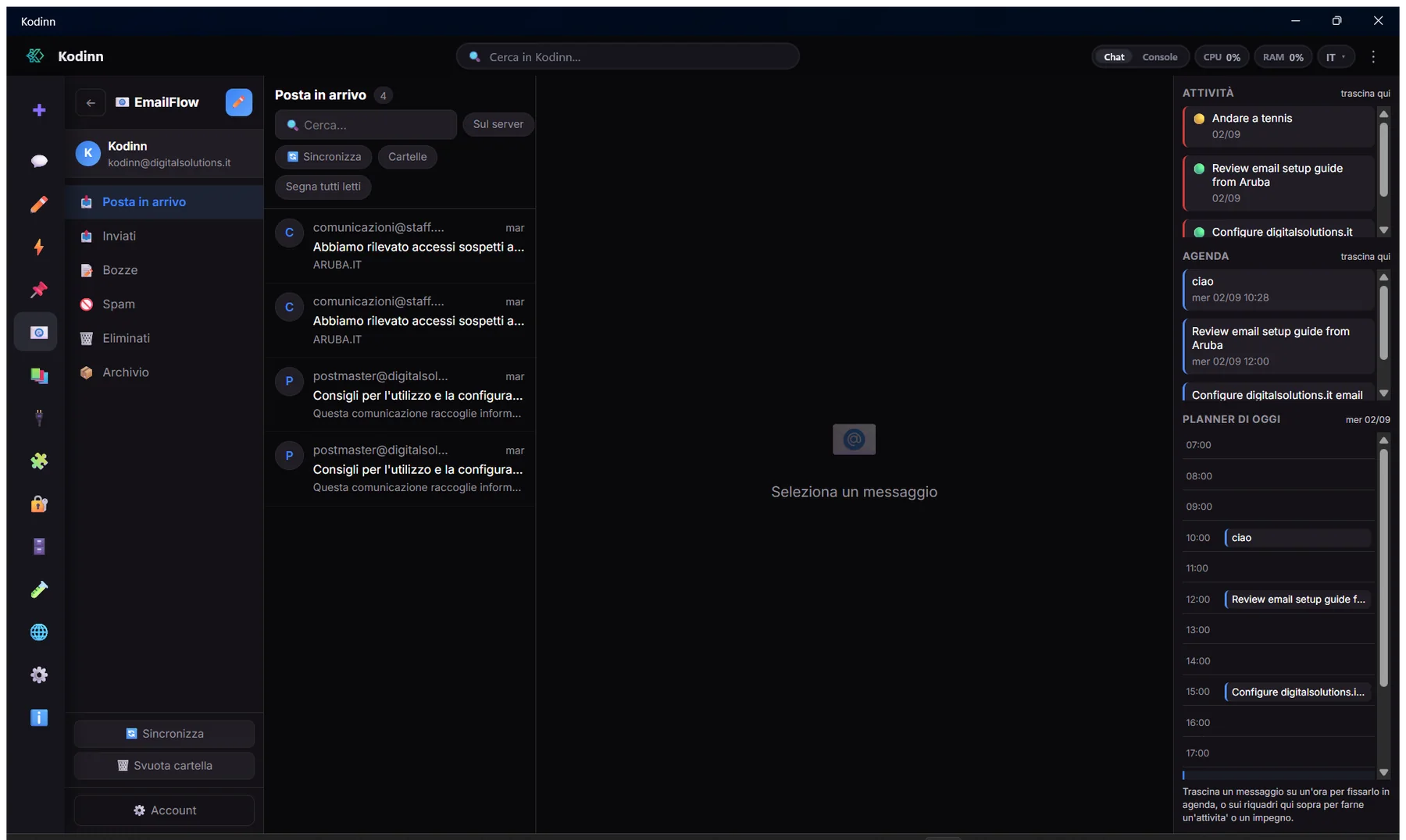
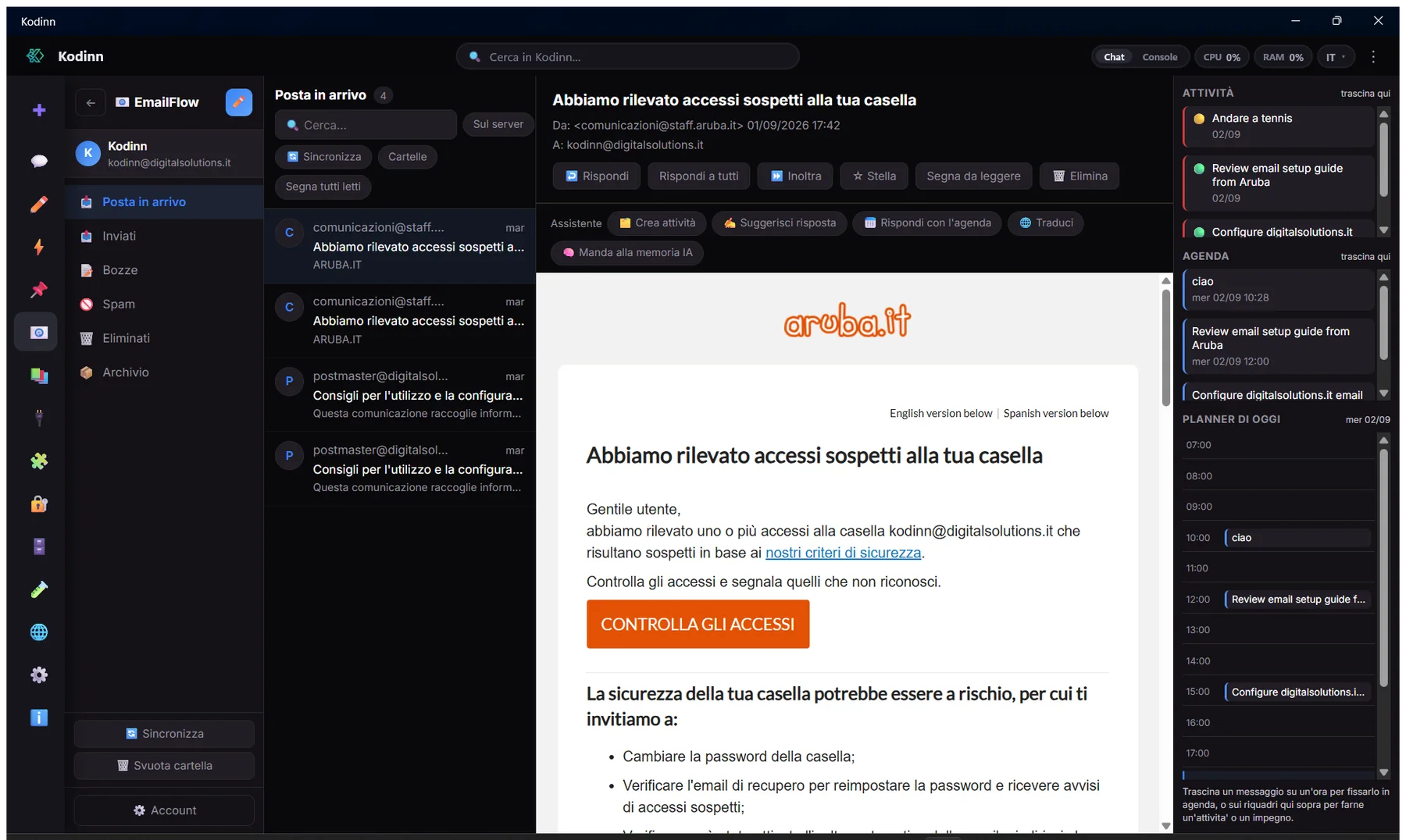
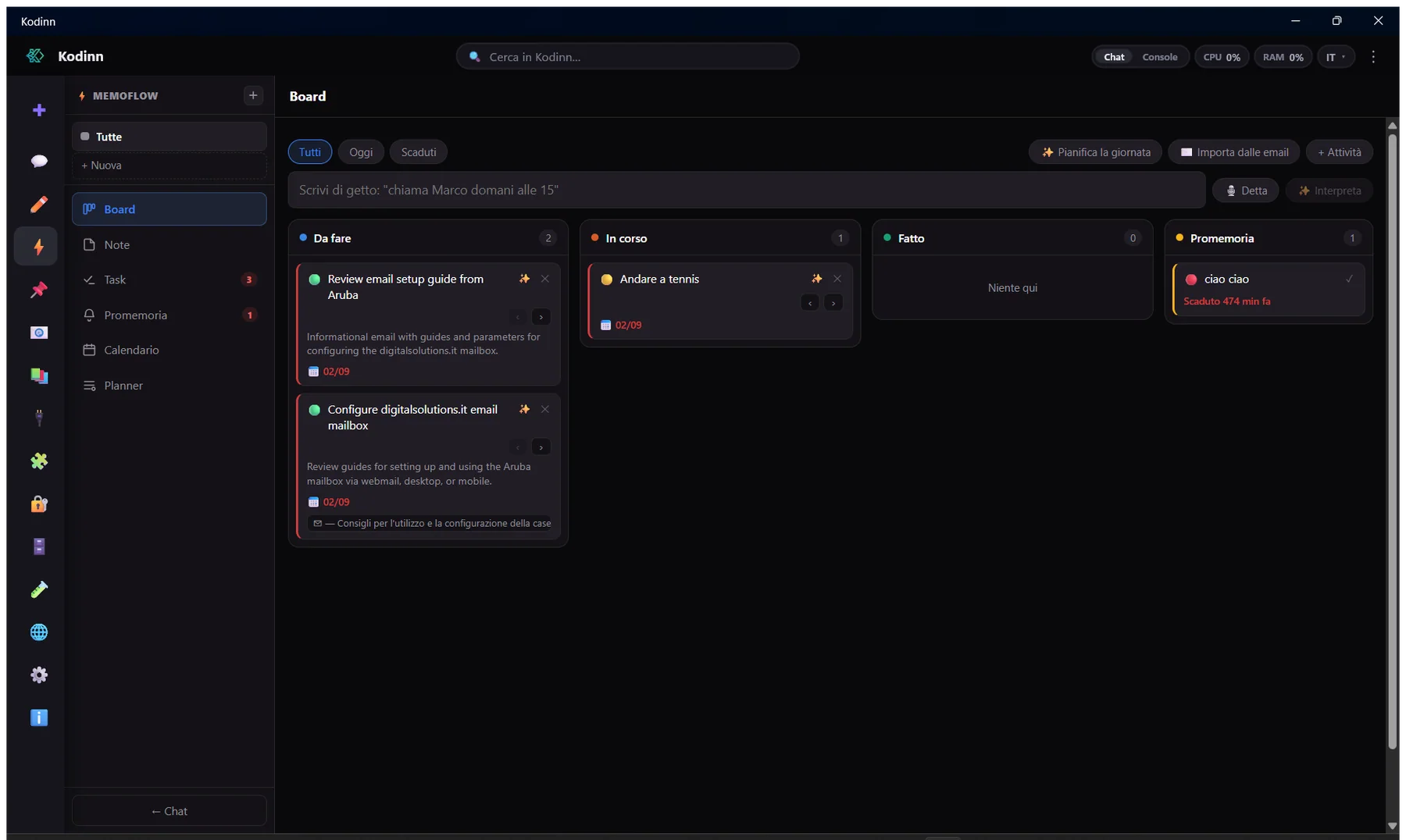
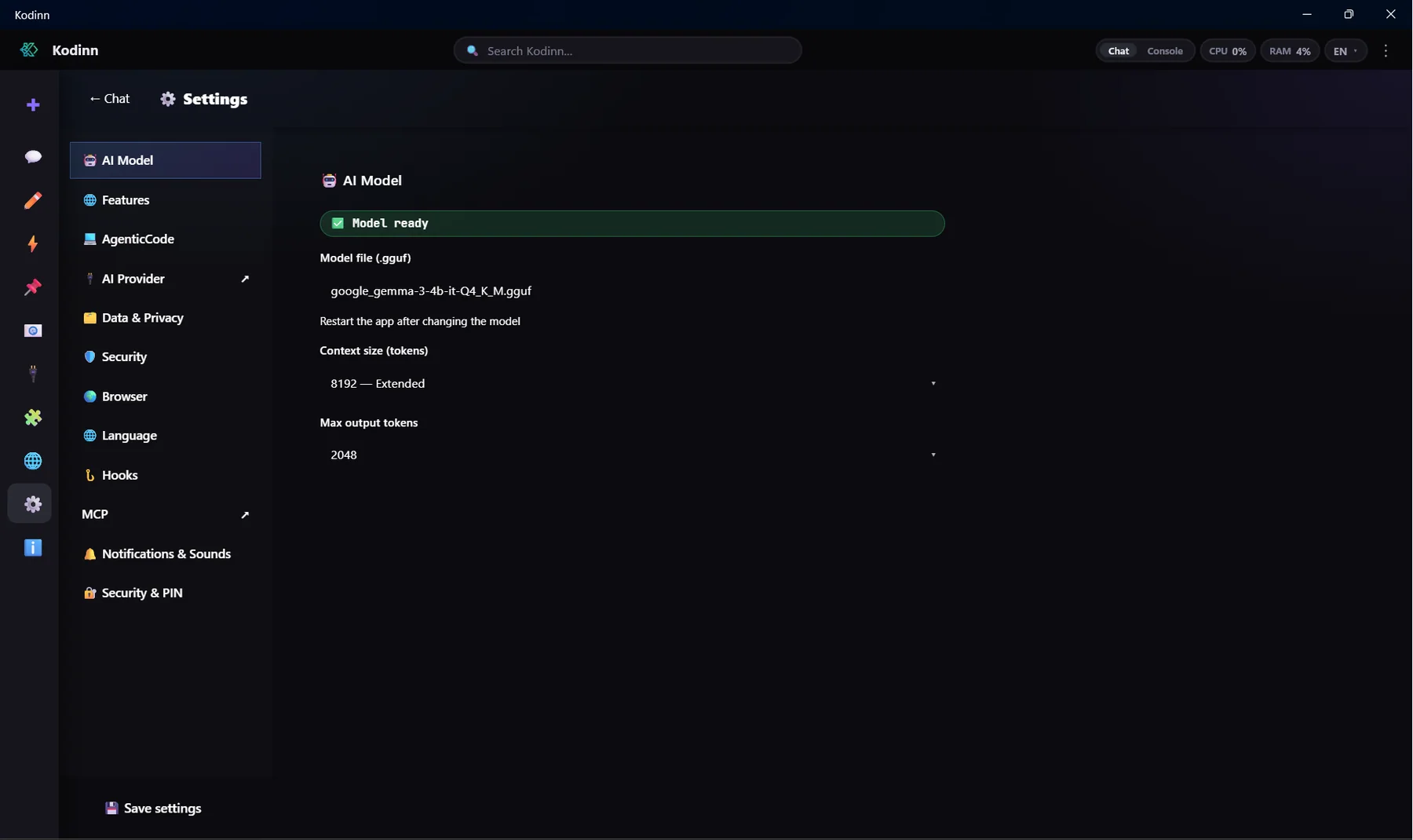
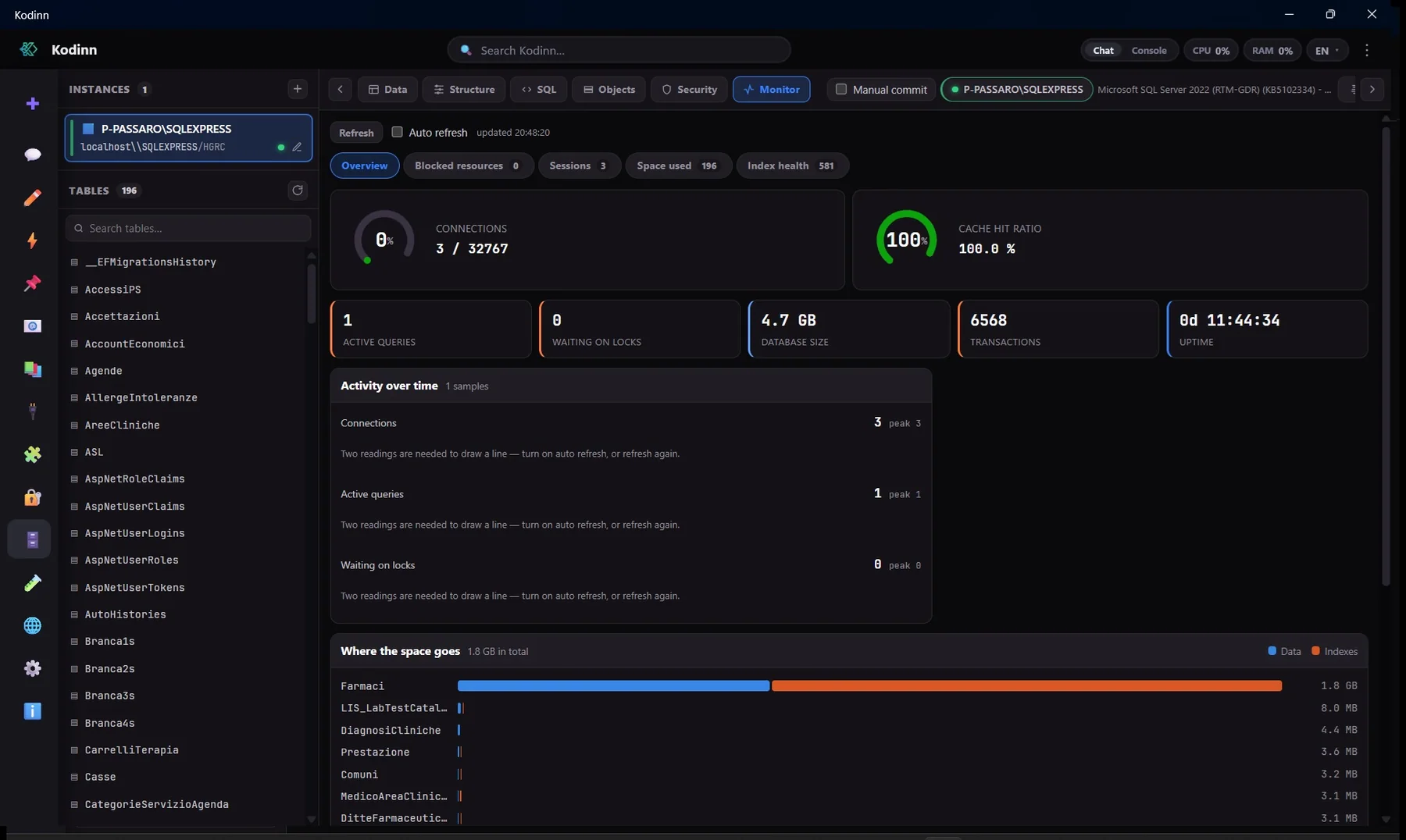
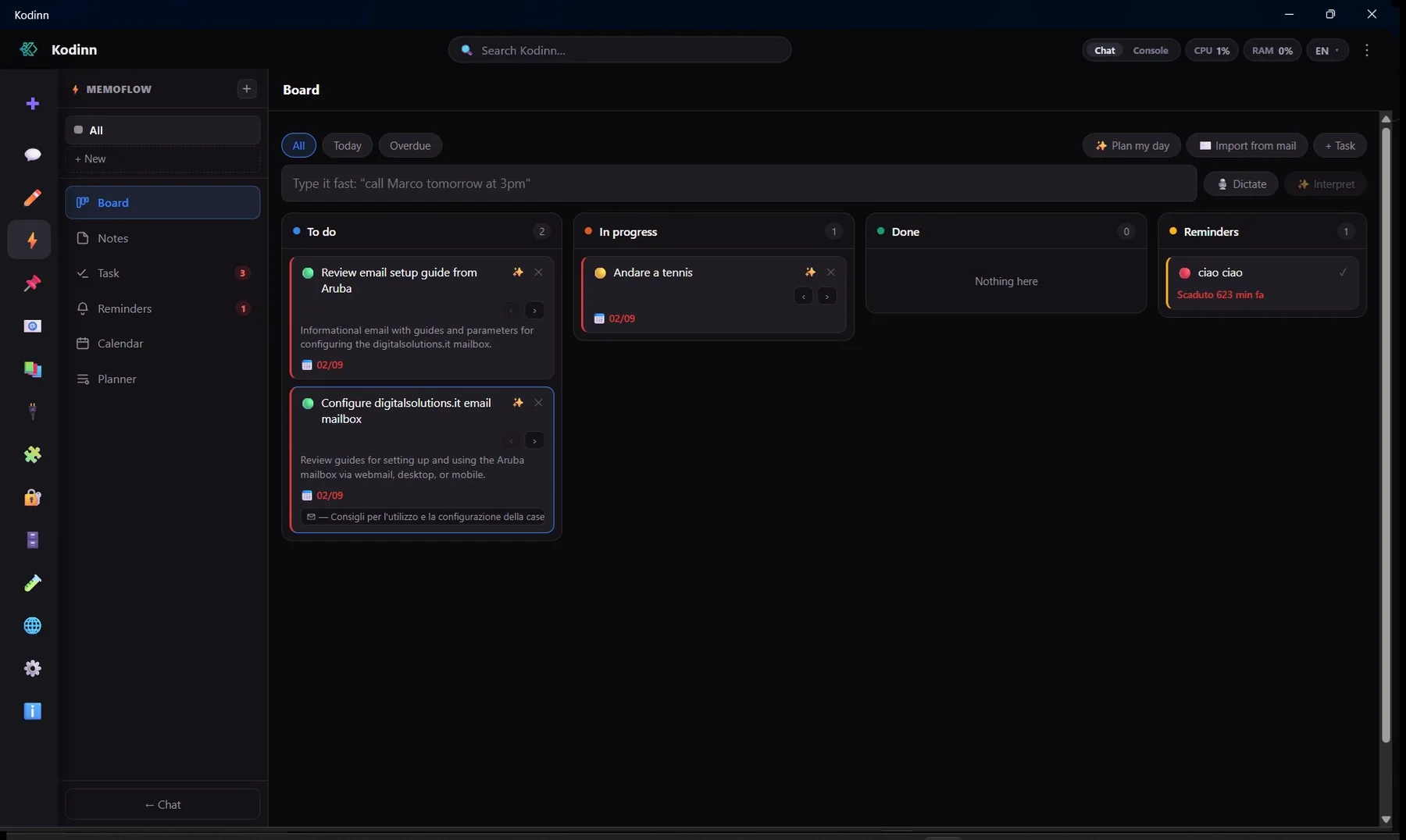
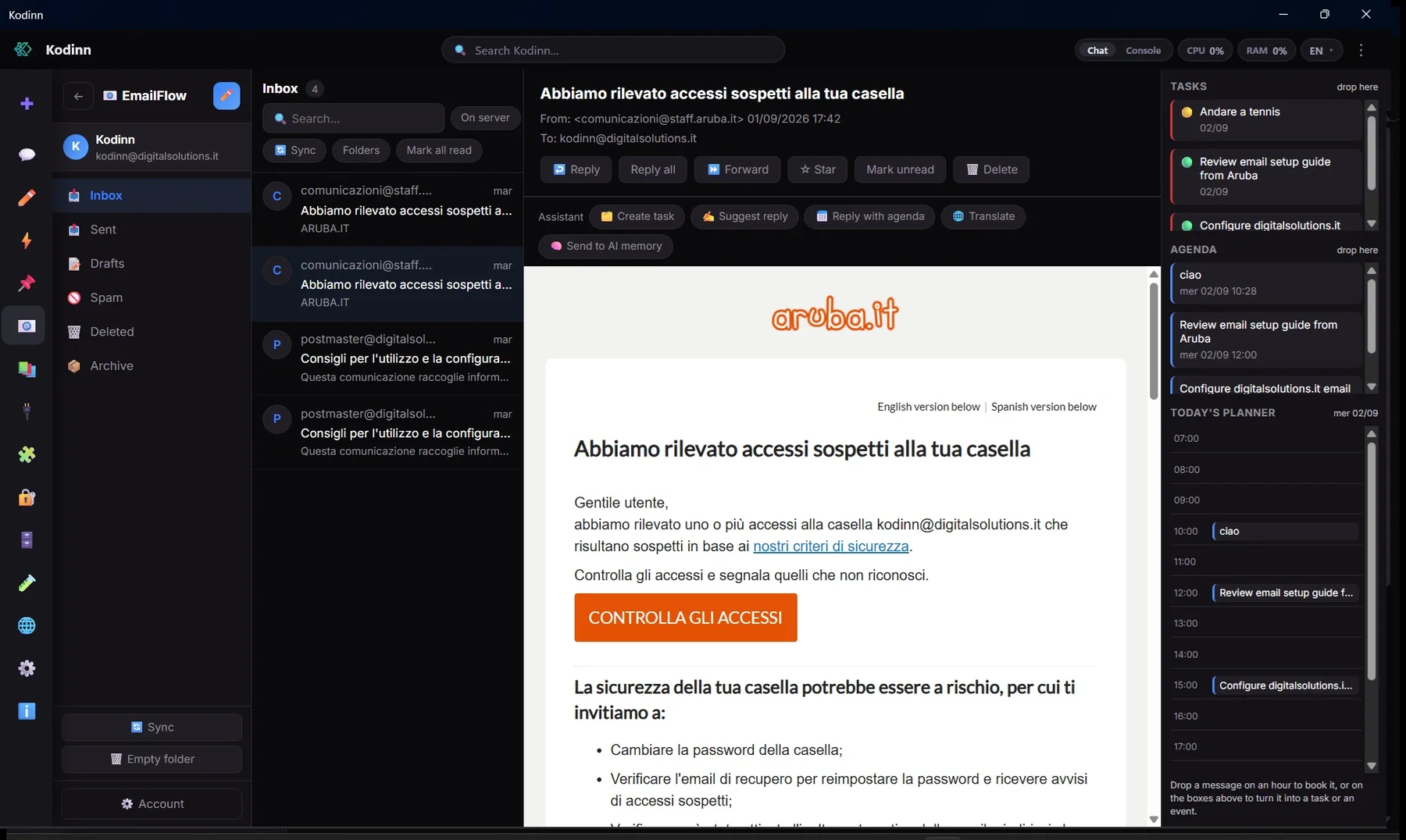
Our own inference engine: GGUF models on CPU or GPU, automatic tuning, local voice dictation.
Send messages, photos, documents, polls and locations, read updates and manage chats and members through a bot. The token stays in the vault.
Click-to-chat links and international number formatting, offline; with WhatsApp Business you send and receive messages programmatically.
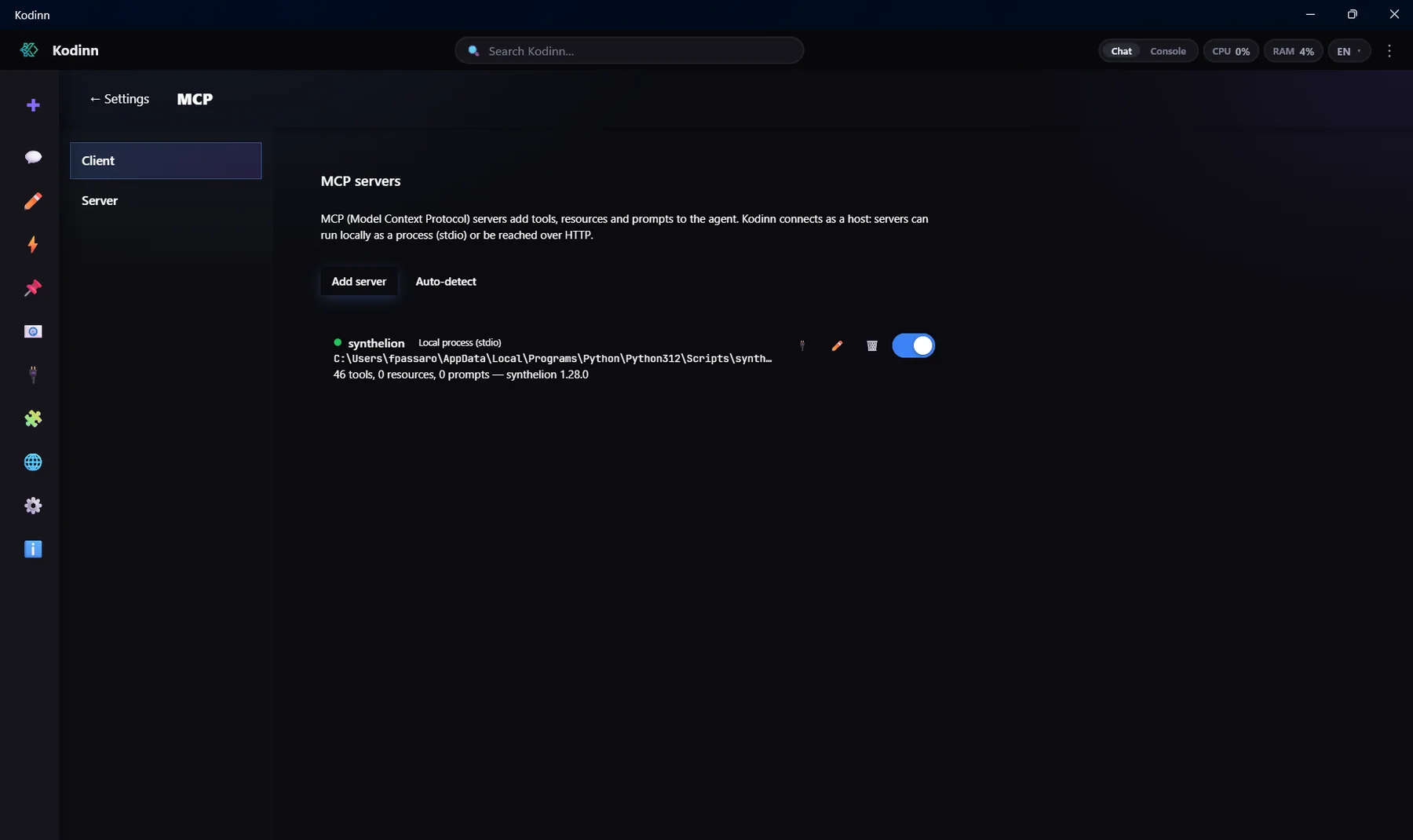
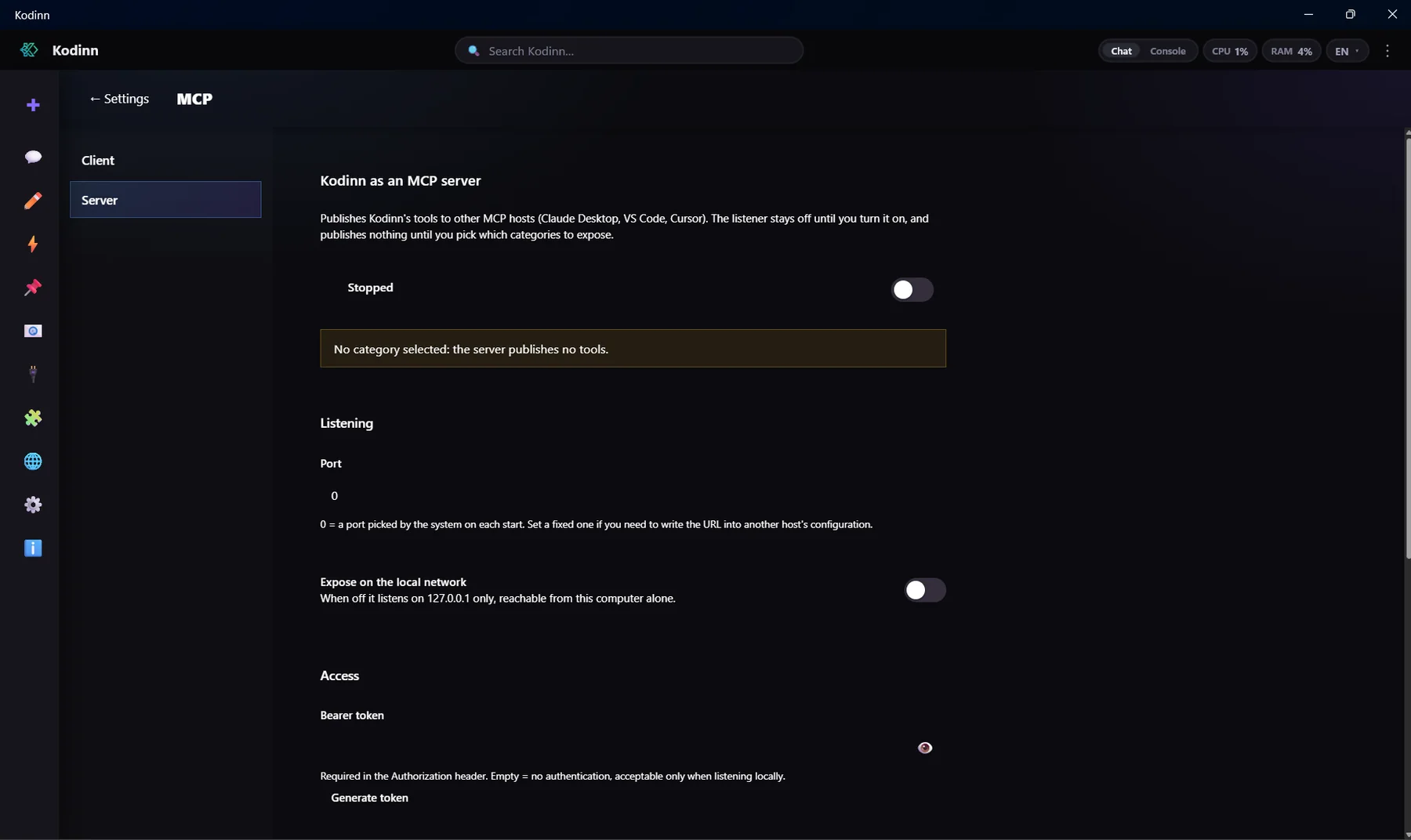
Built-in Git and GitHub, terminal, a browser the agent can drive, editor with language servers, MCP client and server.
Full mail client (IMAP/SMTP, OAuth), rules, identities, scheduled and undoable send; the agent can read and draft.
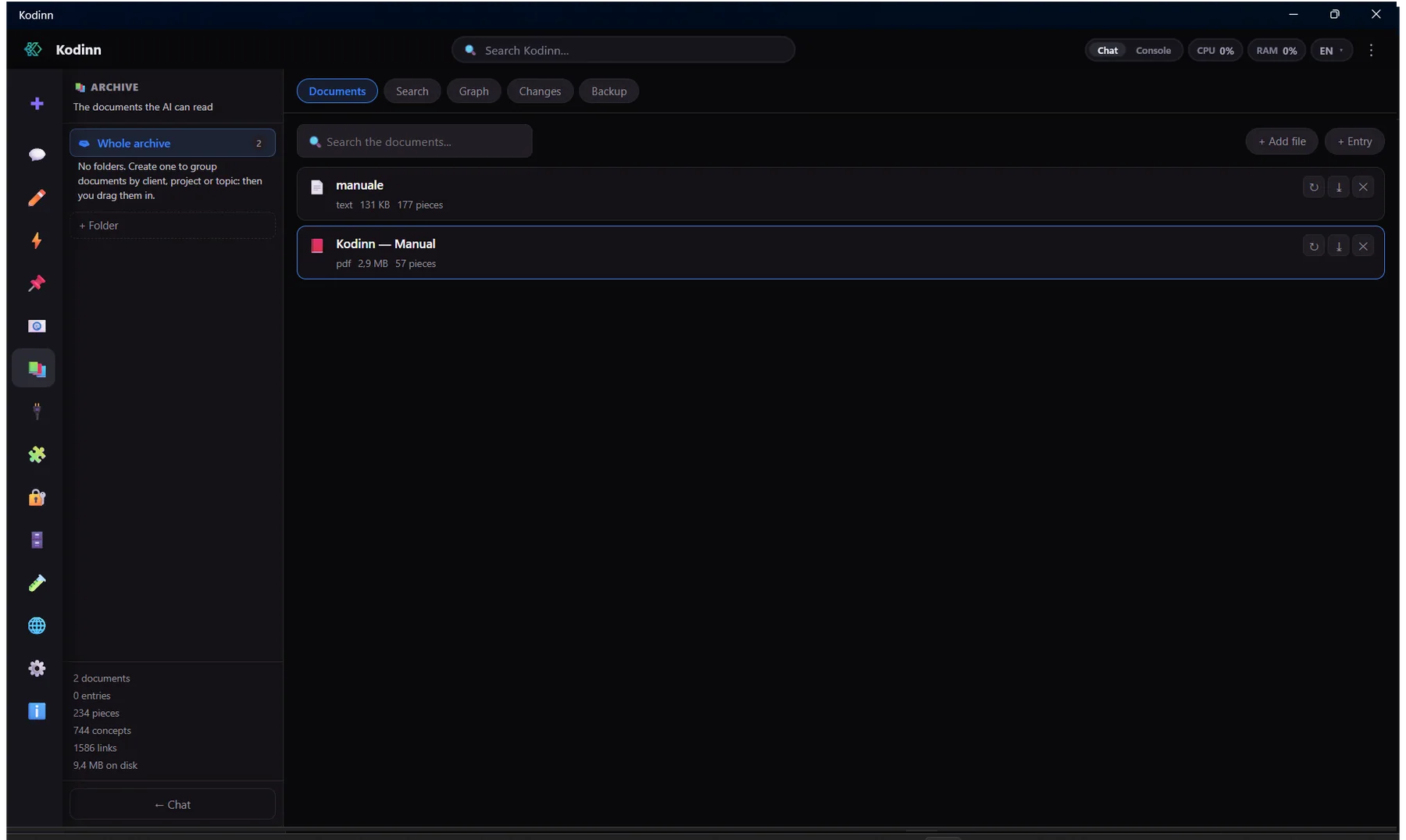
Encrypted knowledge base with a concept graph built from your documents, search and backup, plus database modules with enforced read-only.
External services with credentials prefilled from the sealed vault.
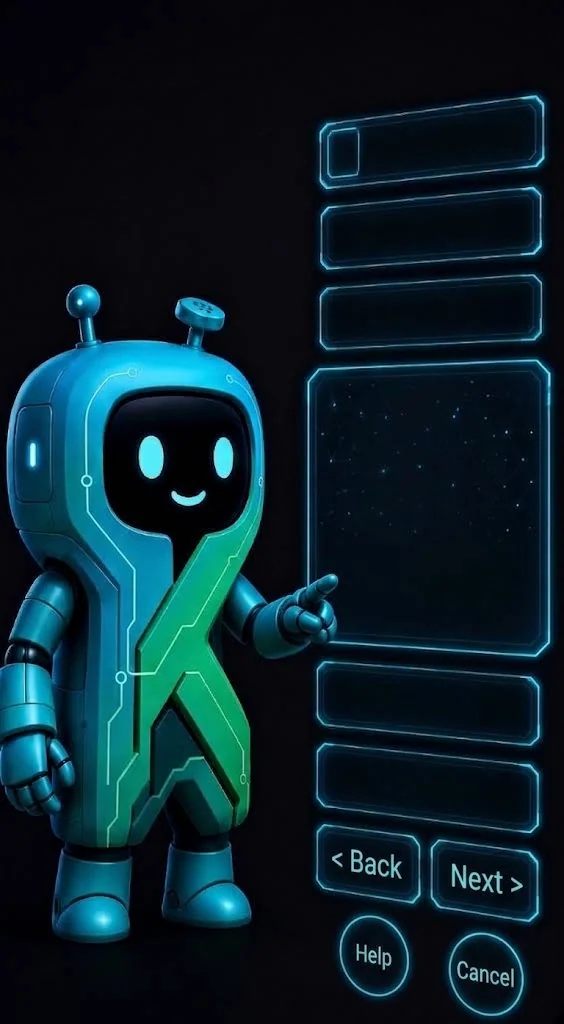
From first setup to local models and security: Kodinn guides you with its mascot.
Create a team with people registered on digitalsolutions.it and share work in Kodinn. Prompts and local settings always stay on your computer.
Coming| Kodinn | Claude Code | OpenCode | LangChain | |
|---|---|---|---|---|
| Interface | Full desktop application | Terminal | Terminal | None: it is a library |
| Data encrypted at rest | Database, conversations, credentials, mail: key derived from your PIN | Configuration and history in the clear | Files in the clear | Not provided |
| Personal-data masking before the model | Built in (PrivacyGuard), values restored in the answer | – | – | Build it yourself |
| Providers | 20+ preconfigured, several instances of each | Anthropic models only | Several providers | Many, through integrations |
| A different model for each agent role | With specialisations and priority | One vendor for everything | Model selection, no per-role routing | Build it yourself |
| Automatic failover between providers | Shared health state, a reaction per error type | – | Left to the user | Build it yourself |
| Offline local models | In-process on CPU and GPU, with our own DesireeIA engine | Needs the remote API | Through an external server | Through external integrations |
| Built-in static analysis | QualityGuard: 27 languages, thousands of rules, Quality Gate | Reviews by the model, no engine | External tooling | – |
| MCP | Client and server, dedicated UI, auto-detection | Client | Client | Client, via adapters |
| Built-in browser driven by the agent | Inside the app, the very session you see | Separate browser extension | – | Only tools you program |
| Voice dictation | Offline: your voice never leaves the machine | Remote transcription | – | – |
| Mail, notes, calendar, knowledge archive (RAG), databases, API client | All built in | – | – | Build it yourself |
| REST and SOAP API client | Sinapsi, with collections, environments and OAuth 2 | – | – | Build it yourself |
| PIN-encrypted password vault | Credentials never exposed to the model | – | – | Build it yourself |
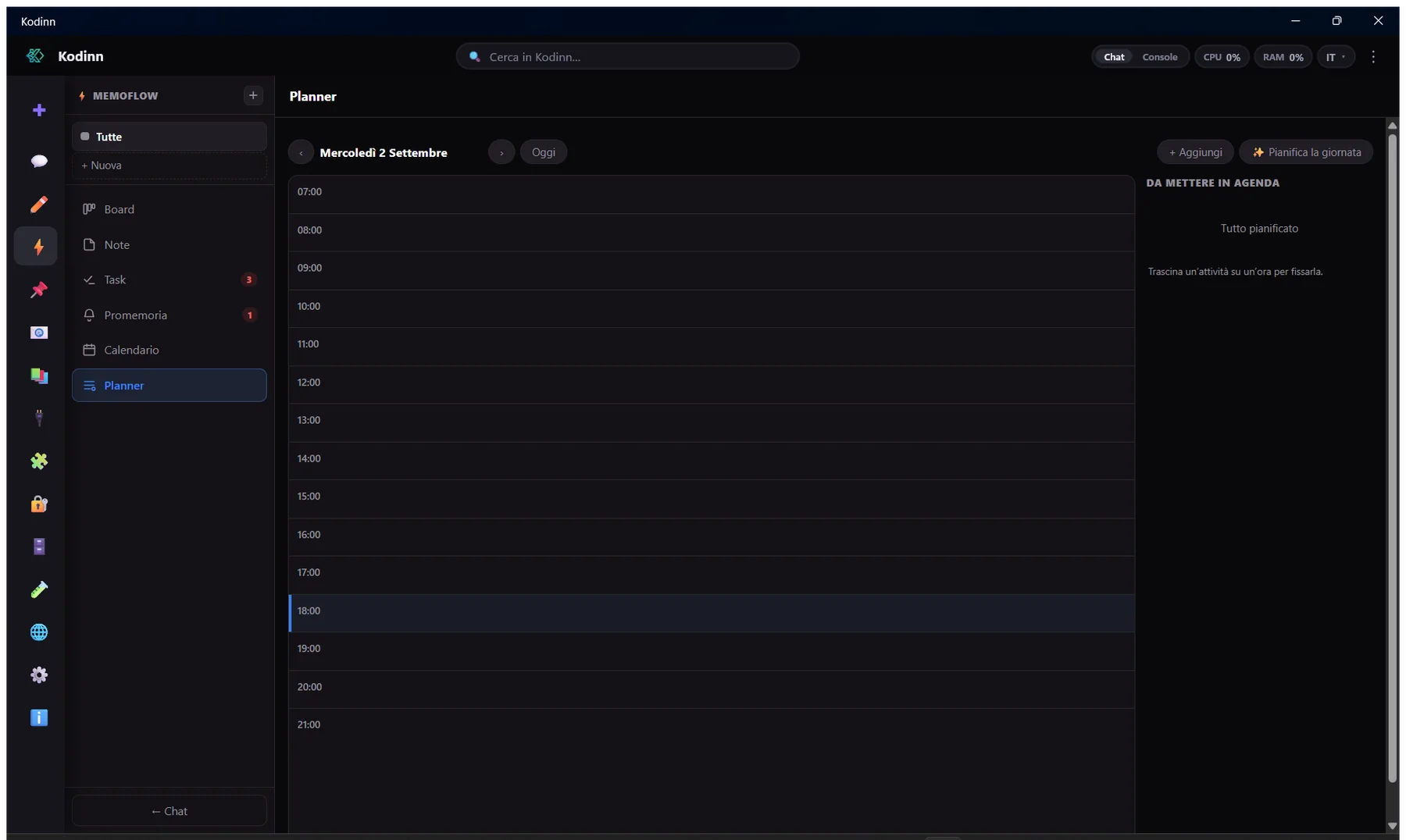
| Kanban board, tasks and planner | MemoFlow, with quick entry and linked mail | – | – | Build it yourself |
| Messaging (Telegram, WhatsApp) | Built-in connectors with tokens in the vault | – | – | Integrations you code |
| Desktop control (mouse, keyboard, screen) | Built-in tool, always behind a permission | Depends on the version and environment | – | Only tools you program |
| Plugins | Hot install, explicit consent, each with its own encrypted database | Plugins and extensions | Community extensions | Integrations you code |
| Operational telemetry | Panels for tokens, cost, per-minute limits, timeouts, permissions | Text commands | Partial | Tracing to wire up |
| Context compression | Caveman: routing per content type, cache alignment, guard over critical content | Summarising compaction | Compaction | Strategies to assemble |
| Localised interface | Italian, English, Chinese | English | English | Not applicable |
Where the others fit better. Claude Code and OpenCode run anywhere there is a terminal: Linux, containers, CI pipelines, SSH. LangChain is the right base for a pipeline written from scratch. Kodinn is a graphical application for Windows and macOS: when your data, your costs and the quality of the result are what matter, it is built to be the best place to work with AI.
The Kodinn column is verified against Kodinn's source. The other columns reflect the features known as of September 2026: those products are under active development and may change.

In the meantime you'll find examples, the plugin SDK and open code on GitHub.
Talk to the community
See who is online, send private messages and exchange images and files (6 MB max). A free account is required.
Sign in Create an account